Tags
Tags serve a purely organizational purpose. You may create multiple logical tags, tag your Strategies, Signals, and Studies to filter out only what you want to see using the Tag menu on the left.
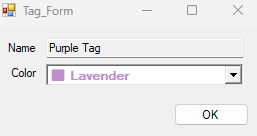
To create, simply go to Tags -> New -> Give your tag a name and a color
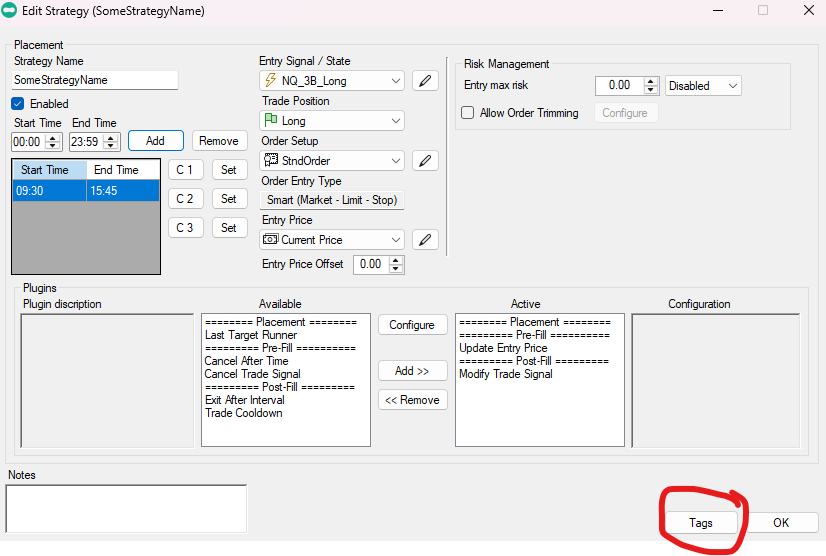
To assign tags to config items, look for Tags button on lower right corners of Tag-able item configurators as in Example below: